Every check-in is verified at the location.
Staff scan the QR code with their own phone. CAESAR checks the phone, the location and the code together; a scan that doesn’t match shows up in the panel as a flagged record.
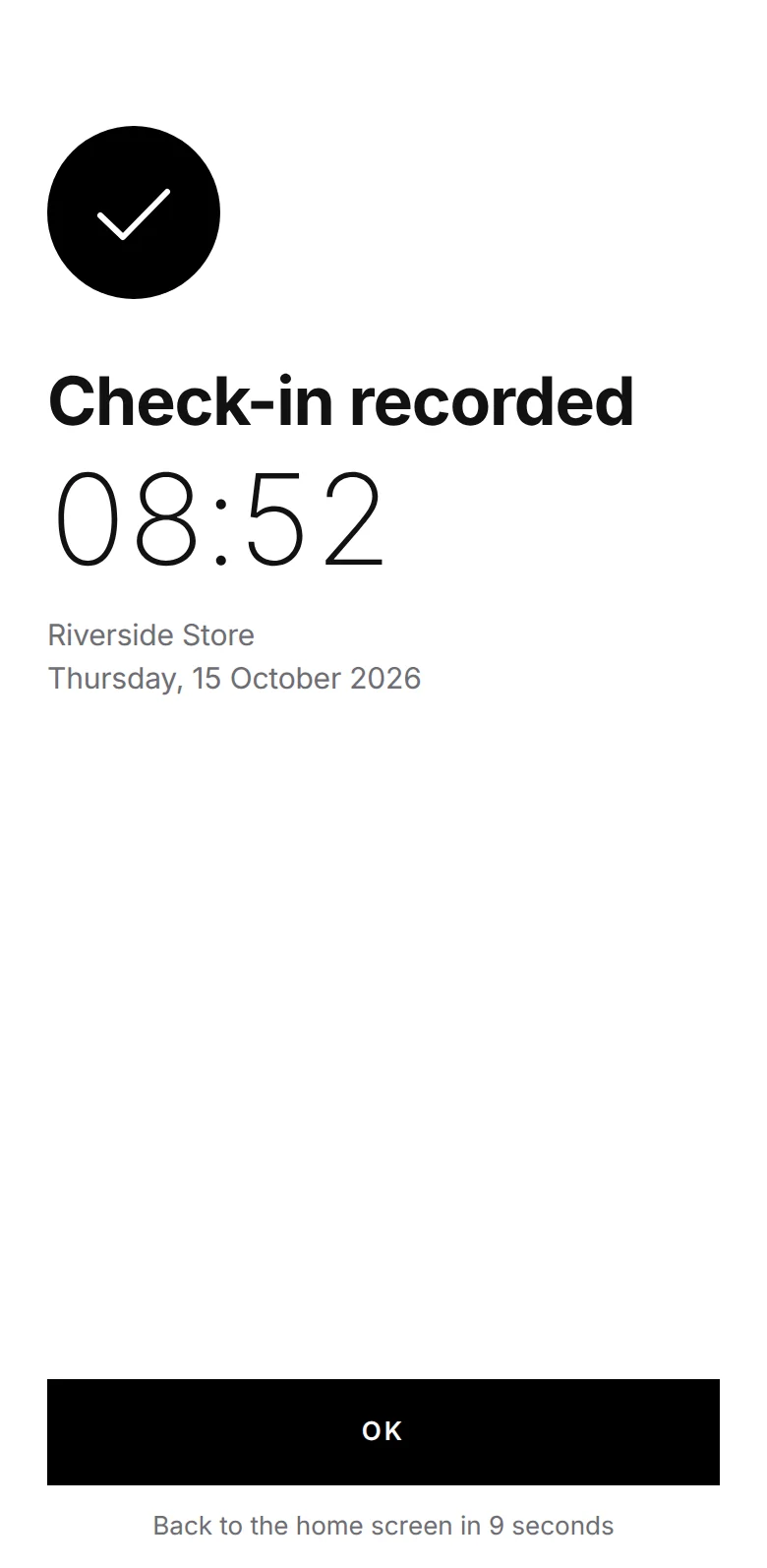
Who’s in, who’s out, what’s going on.
Without fingerprints or face recognition.
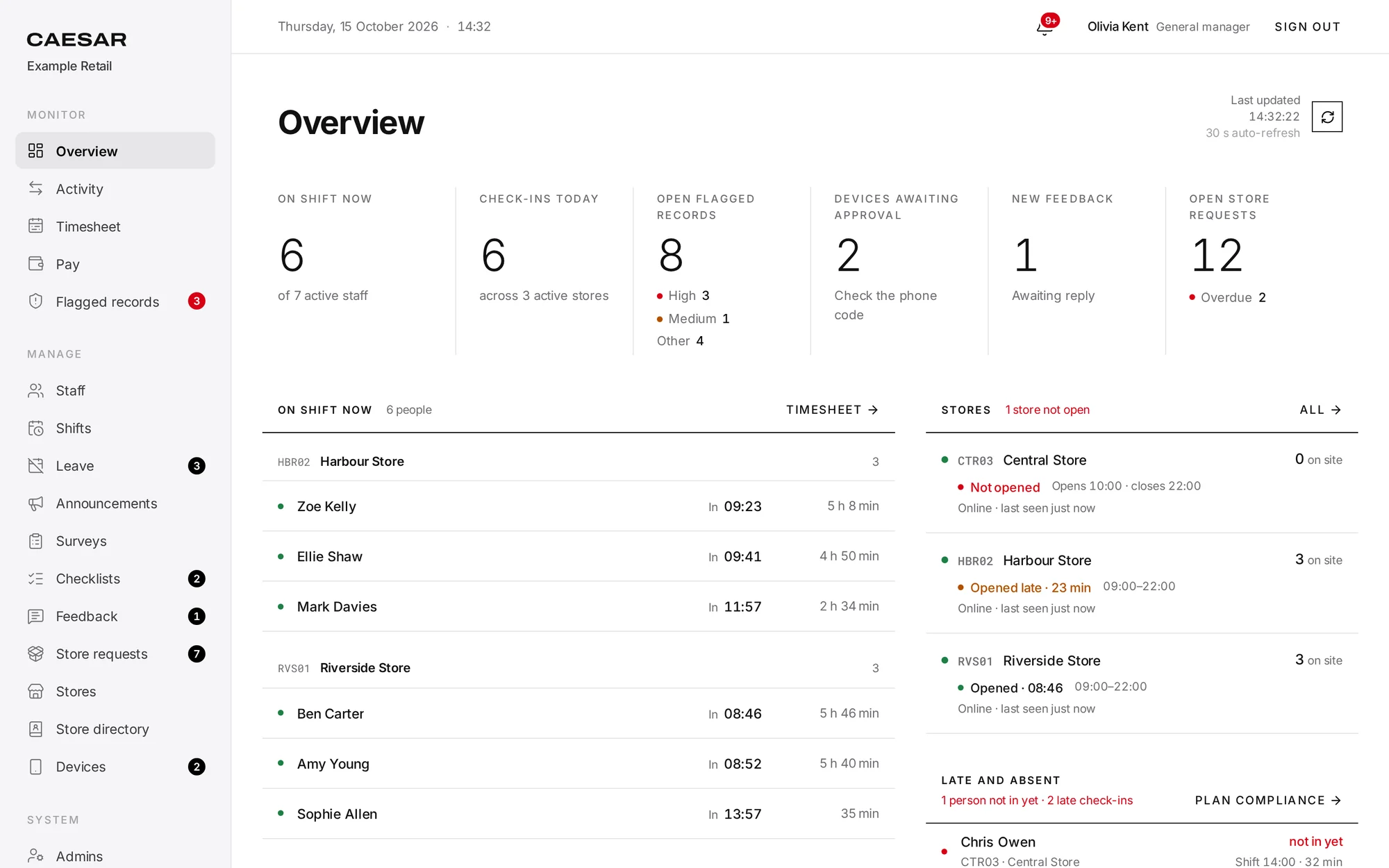
Staff scan the QR code with their own phone. CAESAR checks the phone, the location and the code together; a scan that doesn’t match shows up in the panel as a flagged record.
A sample retail chain, hour by hour.
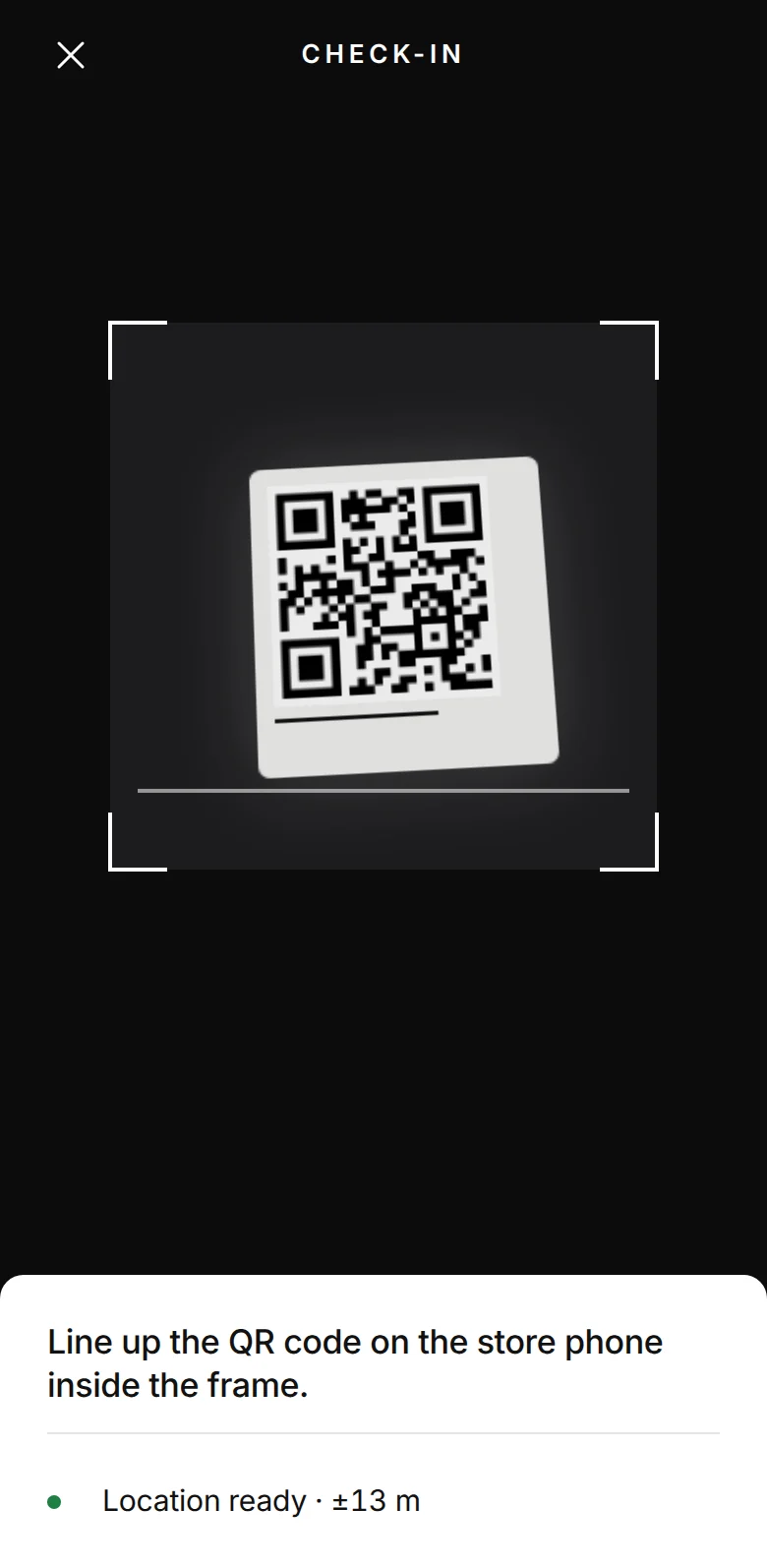
She scanned the store’s QR code with her own phone. Phone, location and code matched, so the check-in was recorded.
Opening checks
It opens for whoever checks in first. The till count was skipped, so the panel shows an issue.

Central Store hasn’t opened
Opens at 10:00; nobody has checked in at the location as of 10:10.
Central should have opened at 10:00 and nobody has checked in. The manager sees it on their phone.
Who is on shift, which store opened late and who isn’t in yet, all on one screen.
#14 Air conditioning not cooling
The store opened the request on its phone and follows every step there.
You haven’t checked out
Your shift has ended but there’s no check-out. If you forgot, scan the QR code now.
Sophie Allen hasn’t checked out
Shift ended at 22:00; still no check-out as of 22:10 (Riverside Store).
Her shift ended at 22:00 with no check-out. Both Sophie and her manager are notified.
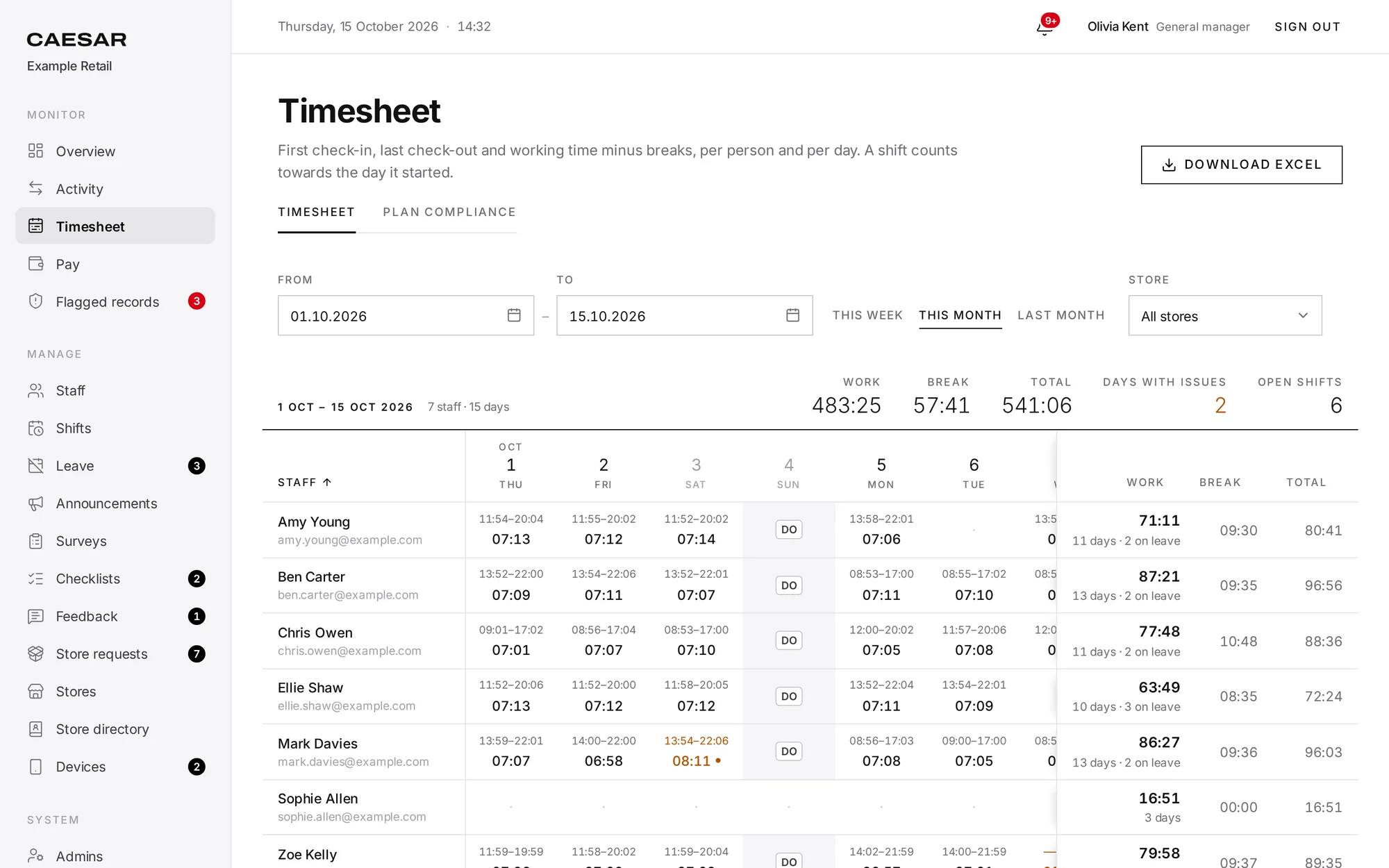
Net working time comes from check-ins, check-outs and breaks; HR downloads an Excel file with formulas.
Time tracking
Drag-and-drop planning. Your locations’ monthly Excel plan is imported as it is.
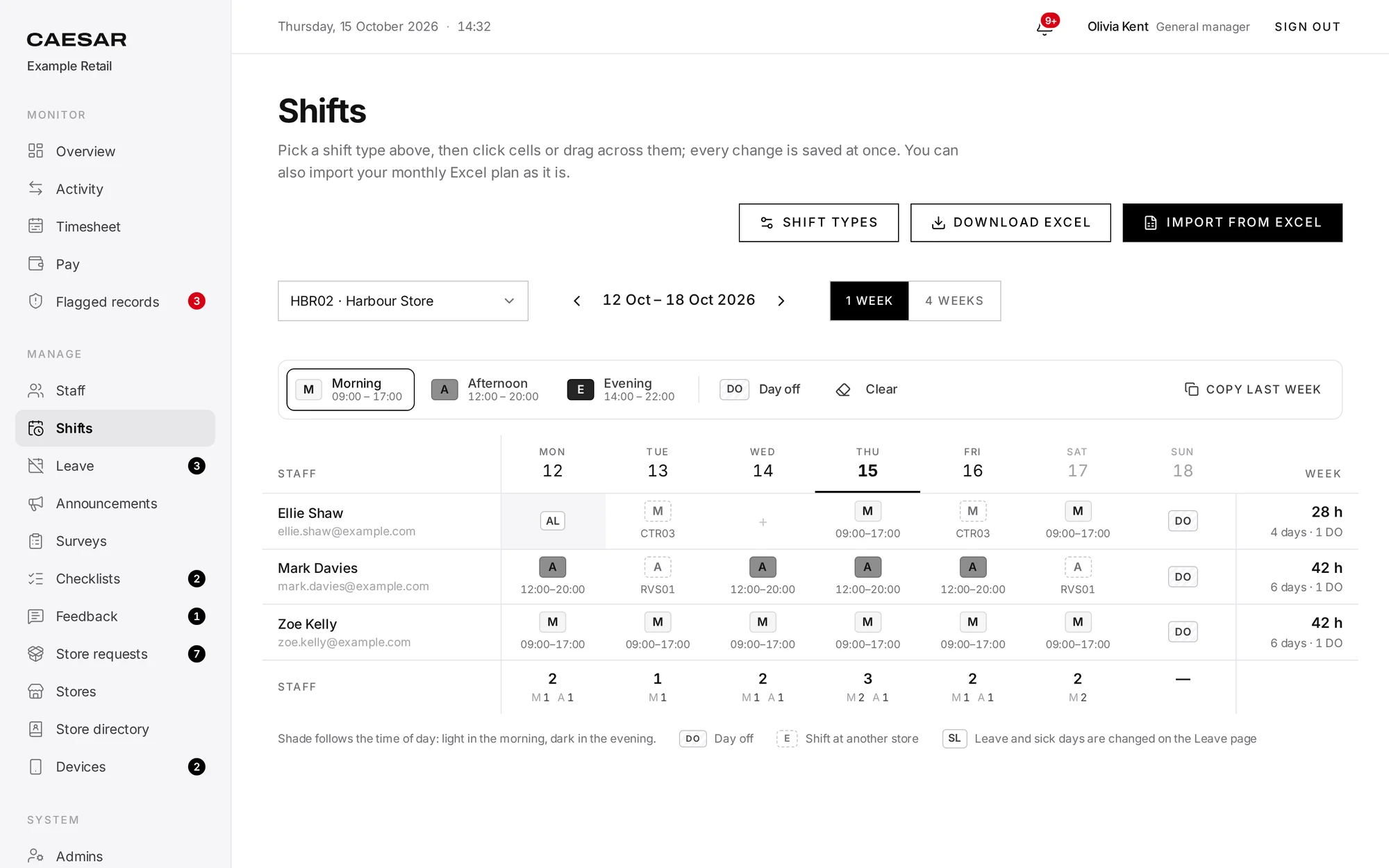
Time tracking
Net working time from check-ins, check-outs and breaks; a formula-based Excel file for HR.
Branch operations
Opened from the location phone with a photo, then routed through your approval steps.
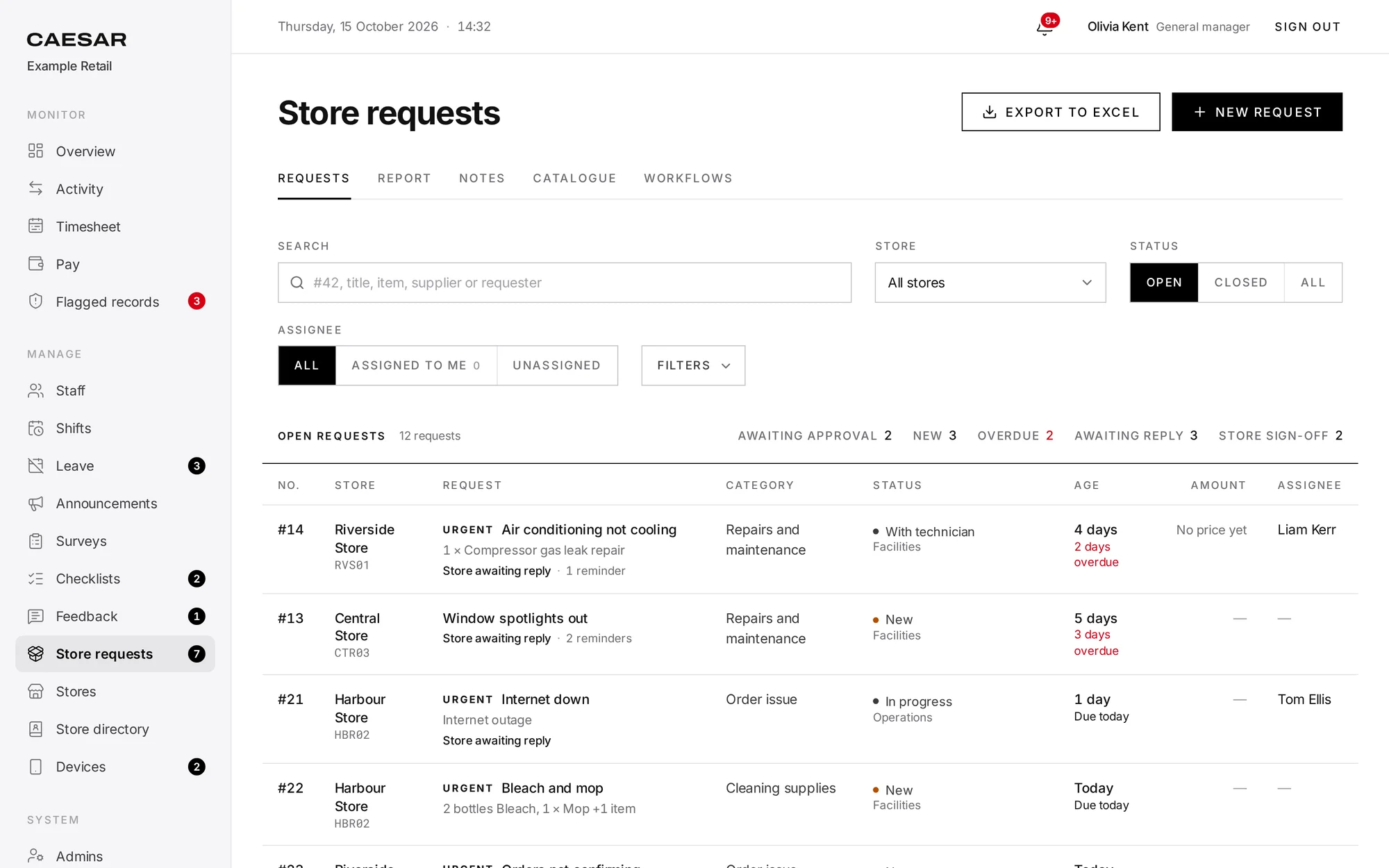
Branch operations
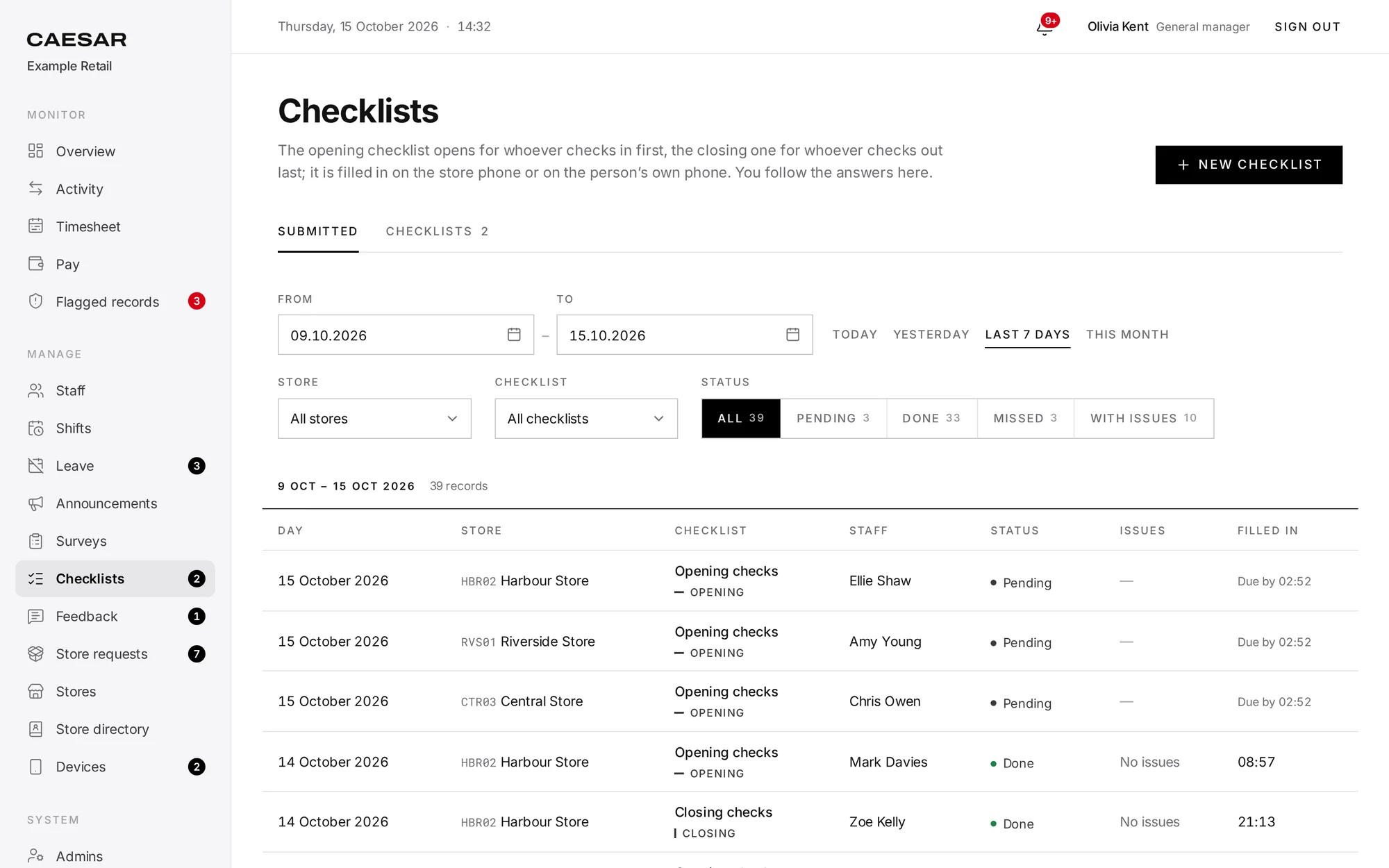
Opening and closing checklists are filled in on the location phone.
Fingerprints and face scans that identify a person are special category data, and processing them is prohibited unless a narrow exception applies. Authorities in the Netherlands and Italy have fined employers for biometric clocking, and Italy’s authority holds that an employee’s consent cannot make it lawful.
General Data Protection Regulation
Article 9
Regulation (EU) 2016/679 · applies since 25 May 2018
How it works
A screenshot is useless later or away from the location.
Regulation
Special category data, consent at work and the fines regulators have issued.
Security
Location is read only at the moment of the scan, with no background tracking.
Settings
Anywhere from 20 to 2,000 metres for each location; 100 metres by default.
Setup
Setup takes three steps; once you see the results, roll it out to the rest.